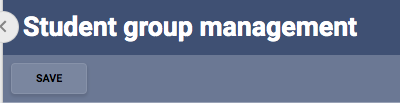
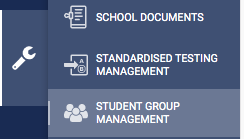
Within SEQTA go to the Administration Workspace and then Student Group Management
Click new group and then type the name of the group in the Group name field:
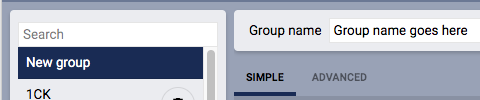
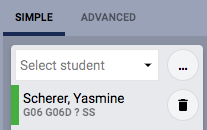
Select SIMPLE and then begin typing the student's name and selecting them
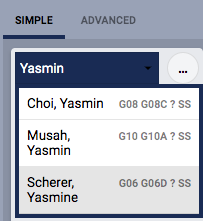
Once selected the student will be added to the list:
Keep selecting all of the student's in the group and when you are finished click the Save button at the top of the page: