On the Spine click on the Administration Workspace

To the right of the spine click the Correspondence button

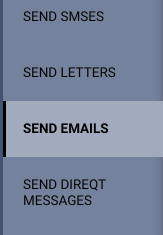
Then to the right of the correspondence option select the type of correspondence you wish to send. In this case we will select Send Emails
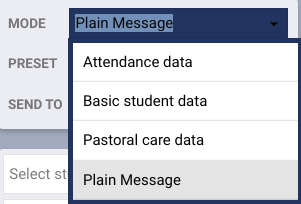
Set mode to Plain Message
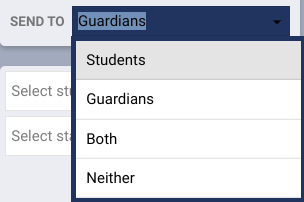
Select who you want to send the email to (Students, Guardians or both)
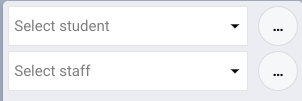
Then select the students (or students whose guardians) you wish to correspond with by clicking the three dots next to the Select student dropdown 
In the "Add students" popup select the Group tab
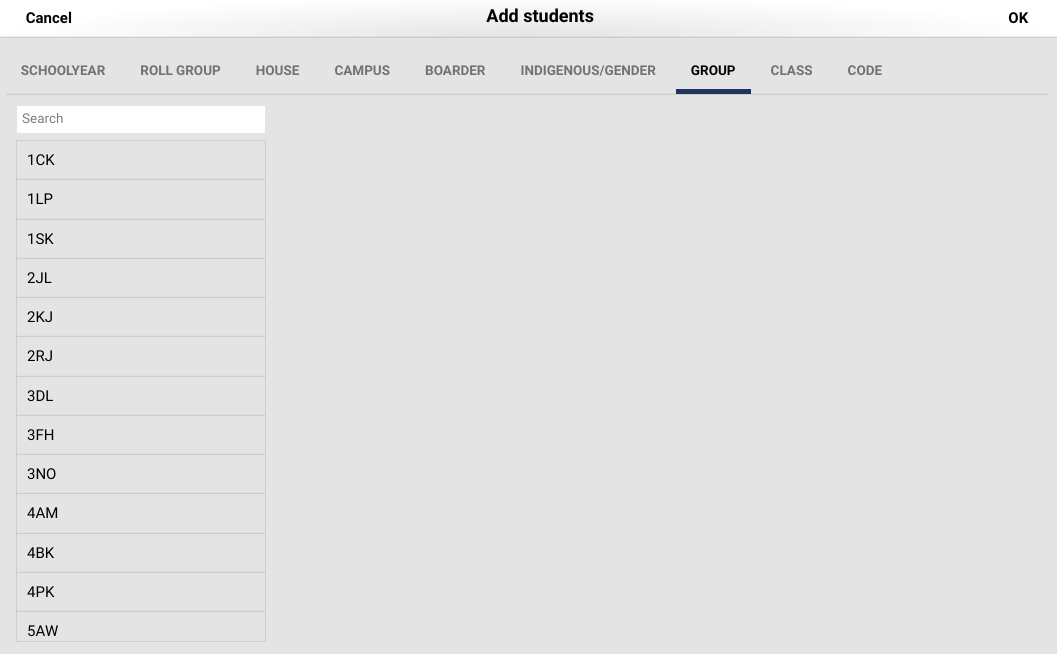
Then scroll down and select your homeroom group and select OK

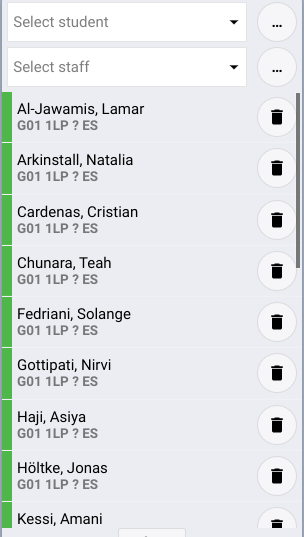
The students will be added to the student list on the left hand side
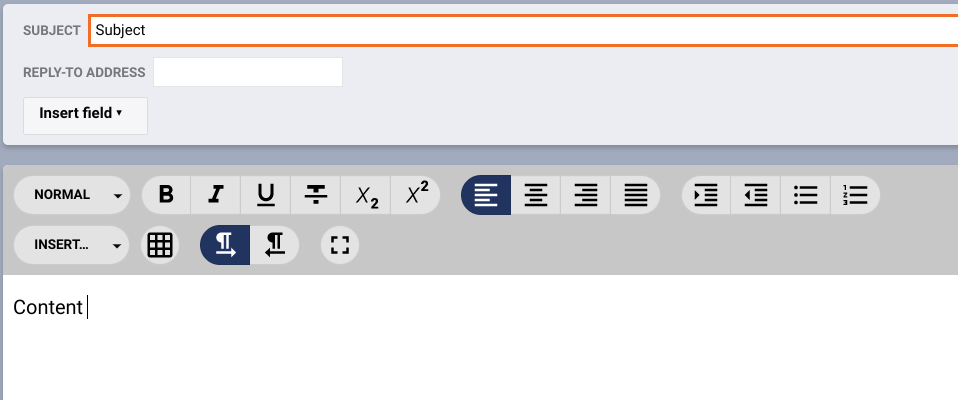
Add the subject and the content of the email.
You can Preview your message by clicking the Preview button 
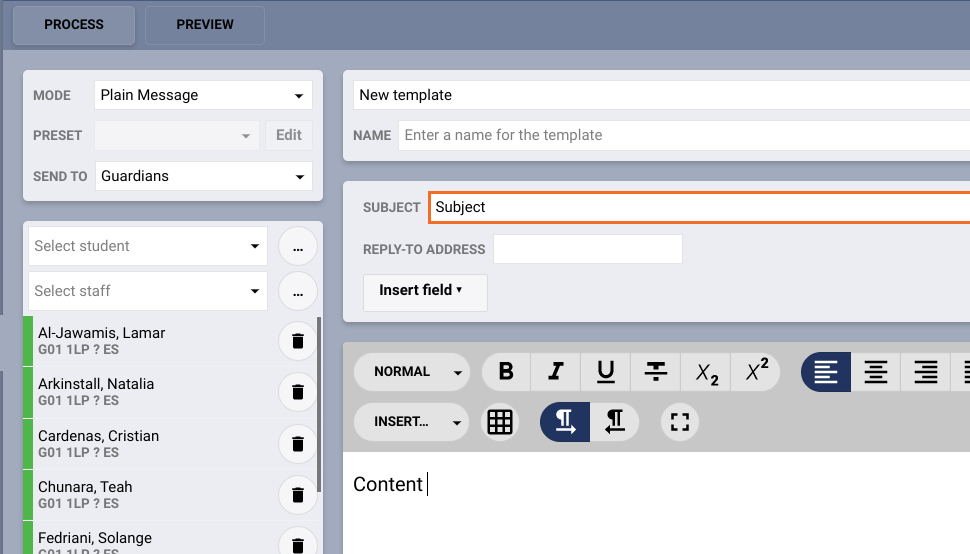
Then you can send the message by clicking the Process button 
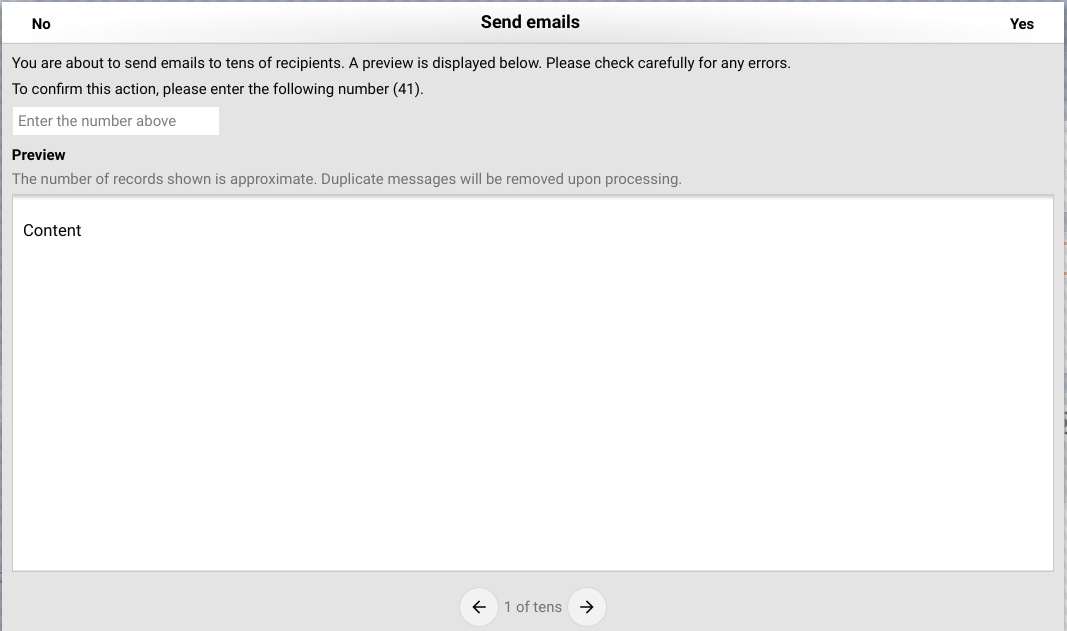
You will then be asked to check the email and enter a number (the total number of recipients) and then click YES to send the email