
Go to the Administration Workspace

Find the Correspondence section and click the "Send SMSes, letter and emails" button

Set the Mode to Plain message
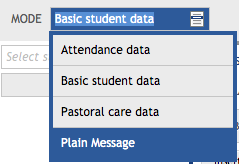
then

then

Then select the students (or students whose guardians) you wish to correspond with by clicking the three dots next to the Select student dropdown 
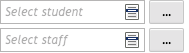
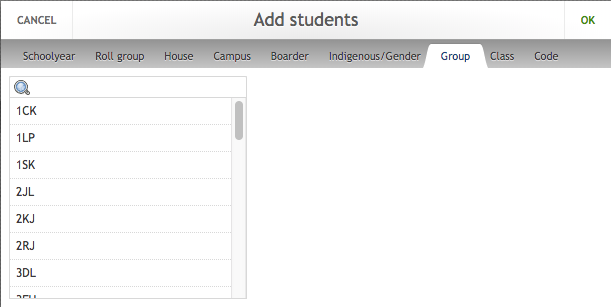
In the "Add students" popup select the Group tab
Then select your homeroom class and click OK
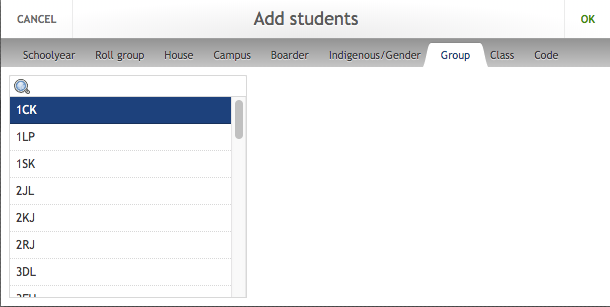
Then click the 
The spreadsheet will then be downloaded.